RegisteringSwimmingLessonProgresswithPictograms
Summary
- Pictograms visualize swimming lesson progress and improve communication with parents.
- Customizing pictograms to the student increases motivation and recognizability.
- Pictograms support people with disabilities and provide calm and structure.
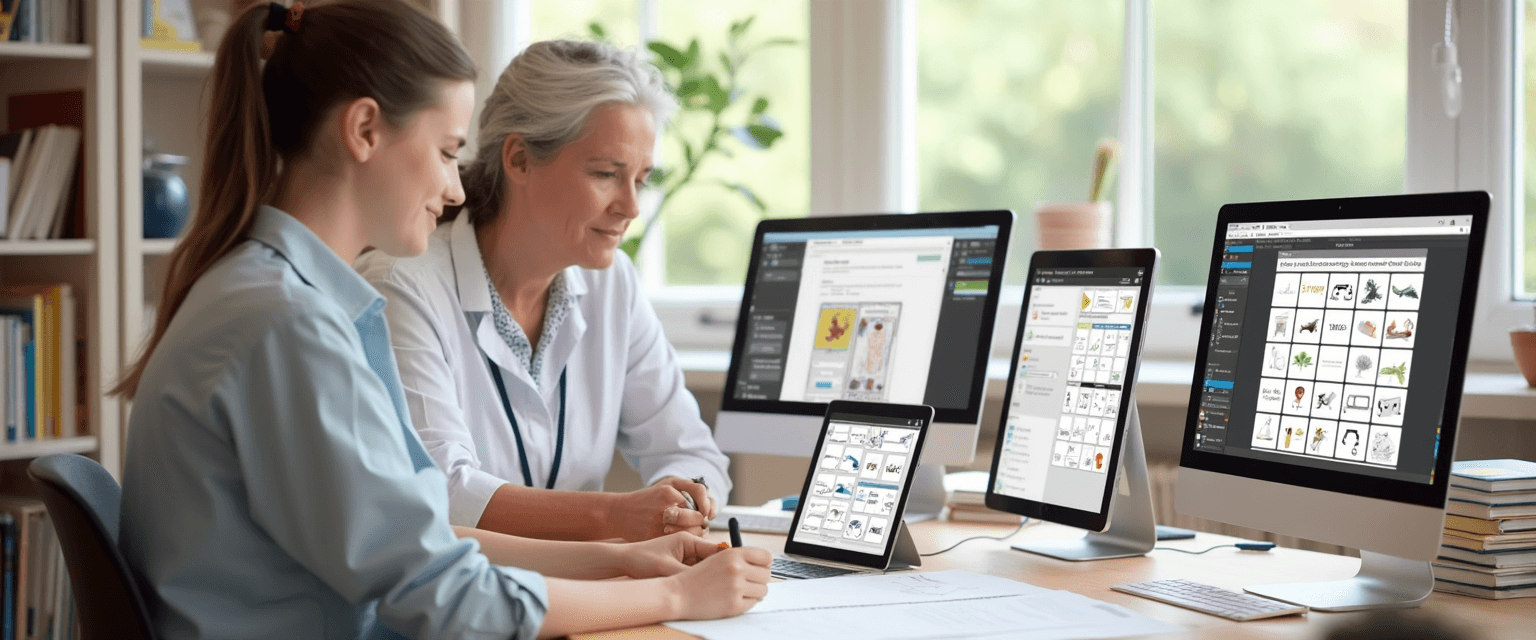
Registering swimming lesson progress with pictograms offers a clear way to visually document learning processes. This is especially useful for swimming schools and instructors who want to clearly monitor the development of students.
In this article, we discuss how pictograms can be used within a digital tracking system and swimming lesson planning. We cover practical applications, suitable pictograms, and software options that simplify registration.
Additionally, we address how swimming schools can customize pictograms to individual needs and how practical experiences contribute to improving the system.
1. Pictograms in Swimming Lessons
In this chapter, we discuss the use of pictograms within swimming lessons. We look at the benefits for people with intellectual disabilities, which pictograms are most suitable, and how these can be applied in the swimming lesson context. This creates a clear picture of the practical use of pictograms in registering swimming lesson progress.
Benefits for People with Intellectual Disabilities
Pictograms provide clear visual support for people with intellectual disabilities. They help make information clear and understandable, which promotes independence. By using simple symbols, instructions and progress can be better followed. This makes the learning process more accessible and less burdensome.
Additionally, pictograms provide calm and structure during the swimming lesson. They reduce the need for extensive verbal explanation and support memory. This way, students can better anticipate what is coming next. This contributes to a positive learning experience.
Which Pictograms Fit Best
The best pictograms for swimming lessons are simple, recognizable, and specifically focused on swimming activities. Think of symbols for swimming, floating, breathing exercises, and safety. It is important that the pictograms are not too detailed so they can be quickly understood. Contrast and clarity play a major role here.
Pictograms can also be adapted to the age and level of the student. For younger children, colorful and playful pictograms are often more effective. For older or intellectually disabled students, clean, black-and-white symbols are often calmer and clearer. This way, the visuals match the target group well.
Application in the Swimming Lesson Context
In the swimming lesson context, pictograms are used to visually record and communicate progress. Instructors can, for example, indicate with pictograms which skills a student has mastered. This makes it easier to follow the learning process and adjust where necessary. Parents also get a clear overview of the development.
Additionally, pictograms support instruction during the lesson itself. They can be used as memory aids for the student or as a communication tool in case of language barriers. This creates a structured and understandable lesson environment. This promotes the confidence and motivation of the swimmers.
What is Zwemlesmaatje?
Zwemlesmaatje is an independent app with which you can track, assess, and celebrate swimming progress — whether you are a parent, adult swimmer, or instructor. You are not dependent on the swimming school but keep control yourself.
For parents, the app offers a clear learning path of 7 levels (from Red to Gold) with 86 exercises. You assess each exercise with a simple scoring system (0 to 6) and receive a personal swimming certificate for each achieved level. This way, you see at a glance where your child stands and what still needs work.
Adults who want to learn (better) swimming use Zwemlesmaatje discreetly and without group pressure. The app provides structure, divides the learning process into manageable steps, and helps overcome insecurity. You train at your own pace, whenever it suits you.
Swimming schools and instructors use Zwemlesmaatje completely free as a digital system for student administration, schedules, and progress. Parents see their child's development in real-time — without you having to do any work. A handy Marketing Toolbox also helps you create professional flyers, social media posts, and certificates.
Discover now how Zwemlesmaatje supports your swimming journey.
2. Registration Methods with Pictograms
In this chapter, we discuss various methods to register swimming lesson progress with pictograms. We cover creating visual progress charts, using daily and weekly schedules, and integrating pictograms into swimming lesson planning. This gives you insight into practical applications that improve overview and communication.
Creating Visual Progress Charts
Visual progress charts with pictograms provide a clear overview of the swimming skills a student has mastered. By linking pictograms to specific skills, such as breathing or floating, progress becomes immediately visible. This makes it easy to see which steps still need practice and which have been completed.
An example is a chart where each swimming lesson is shown with pictograms representing the skills covered. This allows instructors and parents to quickly follow the development. The use of clear symbols also helps make information accessible for children and adults with different language skills.
Use of Daily and Weekly Schedules
Daily and weekly schedules with pictograms support structured planning of swimming lessons. They show which exercises or skills are addressed on which day. This helps both instructors and students keep the lesson content clear.
A practical example is a weekly schedule where each day is filled with pictograms of swimming techniques or exercises. This way, parents and students know what to expect and can prepare better. Regularly updating these schedules provides an up-to-date view of progress.
Integration with Swimming Lesson Planning
Integrating pictograms into swimming lesson planning makes it possible to combine progress and lesson content in one overview. This promotes communication between instructors, parents, and students. Pictograms can, for example, be added to digital planning systems or lesson schedules.
By linking pictograms to specific lesson components, a visual language emerges that is understandable for everyone. This supports a structured approach and makes it easier to set and evaluate goals. Thus, integration contributes to an efficient and transparent swimming lesson organization.
3. Pictogram Software and Tools
In this chapter, we discuss various software options for registering swimming lesson progress with pictograms. We look at how user-friendliness for instructors facilitates application. Additionally, we address the importance of regular updates and expansions of pictograms to stay current and appropriate.
Available Software Options
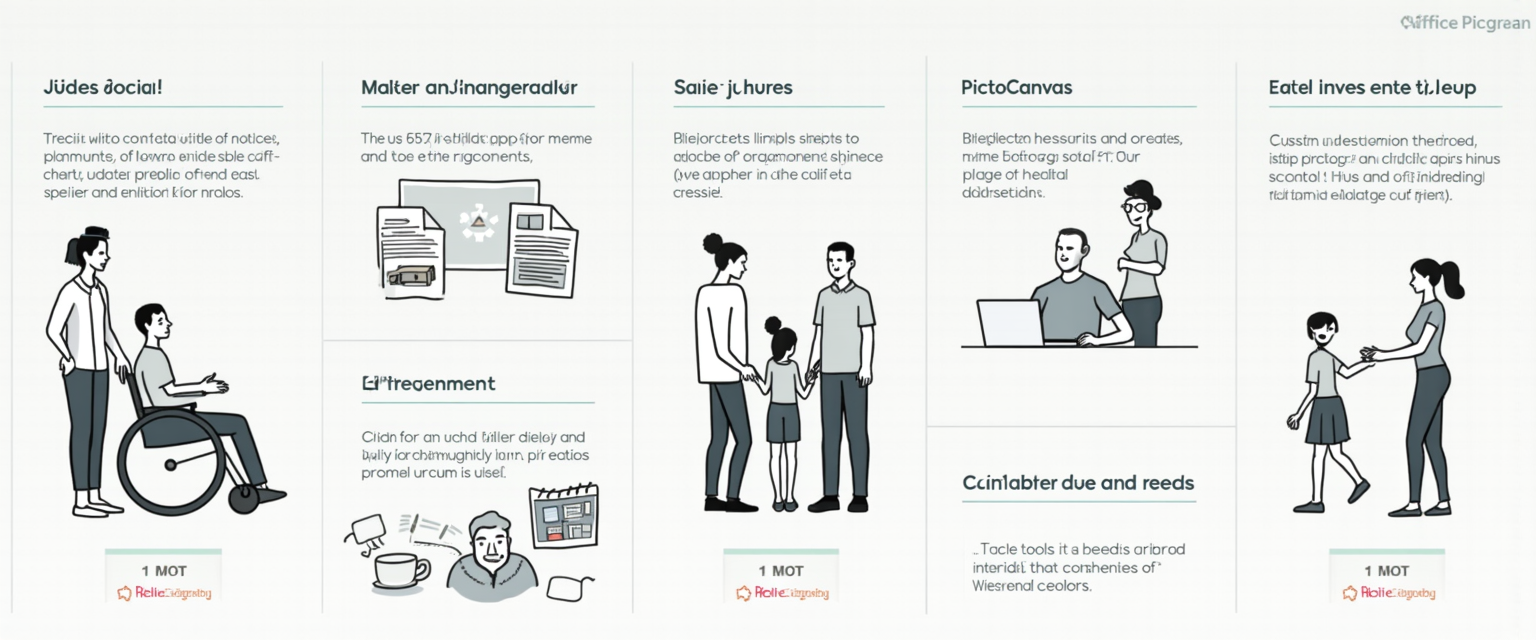
There are various software programs available to use pictograms when registering swimming lesson progress. Pictostudio Pro is a comprehensive tool with which you can design daily and weekly schedules with more than 2600 pictograms. Additionally, there is Pictostudio for Office, which allows easy integration of pictograms into Word documents.
For an affordable and accessible option, PictoCanvas is available, an online platform that also supports remote collaboration. Each program has its own focus, from extensive planning to simple communication, so there is a suitable solution for every situation.
User-Friendliness for Instructors
User-friendliness is essential for instructors who want to use pictograms during swimming lessons. The software is designed with intuitive interfaces and templates, so creating visual charts is quick and clear. This helps instructors keep track of students' progress without technical barriers.
Additionally, the software supports adding personal images alongside pictograms, which increases recognizability for children. This way, instructors can easily make adjustments that match the individual needs of their students.
Updates and Pictogram Expansions
The pictogram software is regularly updated with new symbols and themes to keep the content current. Users with a license receive automatic weekly updates, ensuring an extensive and up-to-date pictogram library. This is important to incorporate new situations or developments, such as recent health measures.
Additionally, users can request new pictograms that specifically match their needs. This continuous expansion makes it possible to better tailor communication and registration to the practice of swimming lessons.
4. Practical Tips for Swimming Schools
In this chapter, we discuss how swimming schools can effectively use pictograms. Attention is given to customizing pictograms per student, improving communication with parents and instructors, and training staff. This gives you practical tools to optimize the use of pictograms in your swimming school.
Customizing Pictograms per Student
It is important to tailor pictograms to the individual needs of each student. This can be done by choosing specific pictograms that match the child's level and learning style. For example, a young child may benefit from simple, recognizable symbols, while older students may use more detailed pictograms.
Additionally, you can add personal images to increase recognizability. These adjustments make progress clearer and keep the student motivated. Regularly evaluating and adjusting the pictograms helps to accurately track progress.
Communication with Parents and Instructors
Good communication between the swimming school, parents, and instructors is essential for the success of pictogram use. Sharing visual progress charts with parents ensures transparency and involvement. Parents can better understand which skills their child is developing and where attention is still needed.
Instructors can easily add updates and comments via digital systems. This promotes a joint approach and makes it possible to quickly respond to changes in the learning process. Regular feedback strengthens collaboration and trust.
Guidance and Training of Staff
Training staff in the use of pictograms is crucial for consistent application. Ensure instructors are familiar with the software and know how to customize and interpret pictograms. Practice-oriented training and manuals support this.
It is also useful to share experiences and tips within the team. This creates a shared knowledge base and allows improvements to be implemented. Well-trained staff contribute to effective and clear communication towards students and parents.
5. Experiences and Best Practices
In this chapter, we share experiences with using pictograms for swimming lesson progress. We discuss examples from practice, feedback from users and professionals. Additionally, we look at how the system is continuously improved based on these insights.
Examples from Practice
In various swimming schools, registering progress with pictograms is successfully applied. For example, one school uses simple symbols to record swimming skills per lesson. This makes it quickly clear for instructors which skills a student has mastered. Parents especially appreciate the clear visual updates about their child's development.
An example is a swimming school that uses pictograms to mark swimming strokes and breathing techniques. This ensures smooth and clear communication between instructors and parents. It also helps students see for themselves which steps they have already taken. This promotes motivation and involvement during lessons.
Feedback from Users and Professionals
Users indicate that pictograms make it easier to keep an overview of swimming lesson progress. Instructors find the system practical because it provides quick and visual insight. Parents experience less uncertainty because they regularly receive visual feedback. Professionals emphasize that the system also helps identify specific learning needs.
Additionally, instructors notice that using pictograms improves communication within the team. It makes it easier to discuss progress and adjust lesson plans. The combination of visual support and regular updates ensures an efficient workflow. This keeps everyone involved in the swimmers' learning process.
Continuous Improvement of the System
The system is continuously adapted based on user feedback and new insights. Pictograms are regularly expanded and improved to better match practice. Work is also done on user-friendliness for instructors and parents. This ensures that registering progress becomes increasingly simple and effective.
New features are also added, such as personalized pictograms per student. This makes the system more flexible and better tailored to individual needs. Regular updates ensure the system stays current and well aligned with daily swimming lesson practice. This keeps it a valuable tool for all involved.

Summary
Summary of Pictograms for Tracking Swimming Lesson Progress
Pictograms are successfully used to visually and clearly record swimming lesson progress. They provide quick insights for instructors and clear updates for parents.
Using pictograms promotes student motivation because they can track their own progress. This improves communication between instructors, parents, and students.
Effective Use and Customization of Pictograms
Pictograms should be tailored to the individual needs of each student. Simple symbols are suitable for young children, while older students benefit from more detailed pictograms.
Personal adjustments increase recognizability and motivation. Regular evaluation ensures accurate and up-to-date progress registration.
Software and Practical Applications
There are various software programs available for registering swimming lesson progress with pictograms. Examples include Pictostudio Pro, Pictostudio for Office, and PictoCanvas, each with its own functionalities.
Visual progress charts with pictograms provide a clear overview of acquired swimming skills. This makes it easier to structure swimming lesson planning and improve communication.
Benefits for Specific Target Groups
Pictograms offer extra support for people with intellectual disabilities. They make information more understandable and promote independence during swimming lessons.
Additionally, pictograms provide calm and structure. They reduce verbal explanation and help students better anticipate lesson activities.
Dear reader, this blog post was about registering swimming lesson progress with pictograms.
We would love to hear if you have experience with digitally tracking swimming lessons. Feel free to leave a comment below this article.
You can try Zwemlesmaatje for free via https://zwemlesmaatje.com.
Thank you for your attention.

Bob van Soest
As an expert in operating sports facilities (such as swimming pools) and developer of, among others, Zwemlesmaatje.com, I am passionately committed to making swimming lessons simpler, more fun and more insightful for parents, swimming instructors and everyone who wants to learn to swim.
Frequently Asked Questions
Related articles

Why Showering Before Swimming Lessons Is So Important
Why shower before swimming lessons? Discover why hygiene and preparation are crucial for the best swimming experience. Read our tips and avoid surprises!
When to Start Swimming Lessons for Optimal Progress
Effectively Registering Swimming Lesson Progress from What Age?
Discover Zwemlesmaatje
The all-in-one app for swimming lesson progress. For parents, swim schools, and adult swimmers.